
Appearance
Domain Settings
The domain settings dialog configures the domain's backup workflow and external gateway settings.
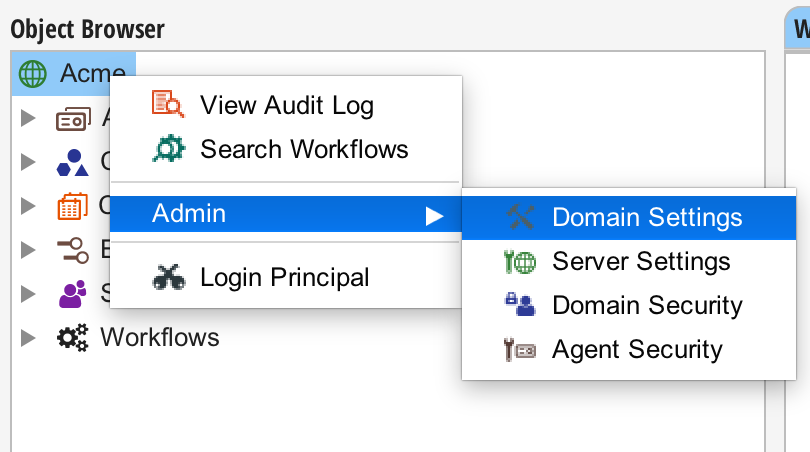
To open the domain settings dialog, right-click on the domain-level object in the object browser, select the "Admin" menu, and select "Domain Settings".
WARNING
Note: Only members of the Administrators group can access the domain administration tools.
Backups
Situate has a built-in workflow which can synchronize the entire Situate instance to a hot backup server. The hot backup will substitute for the primary Situate server if it fails. The asset containing and path to the backup server are configured here.
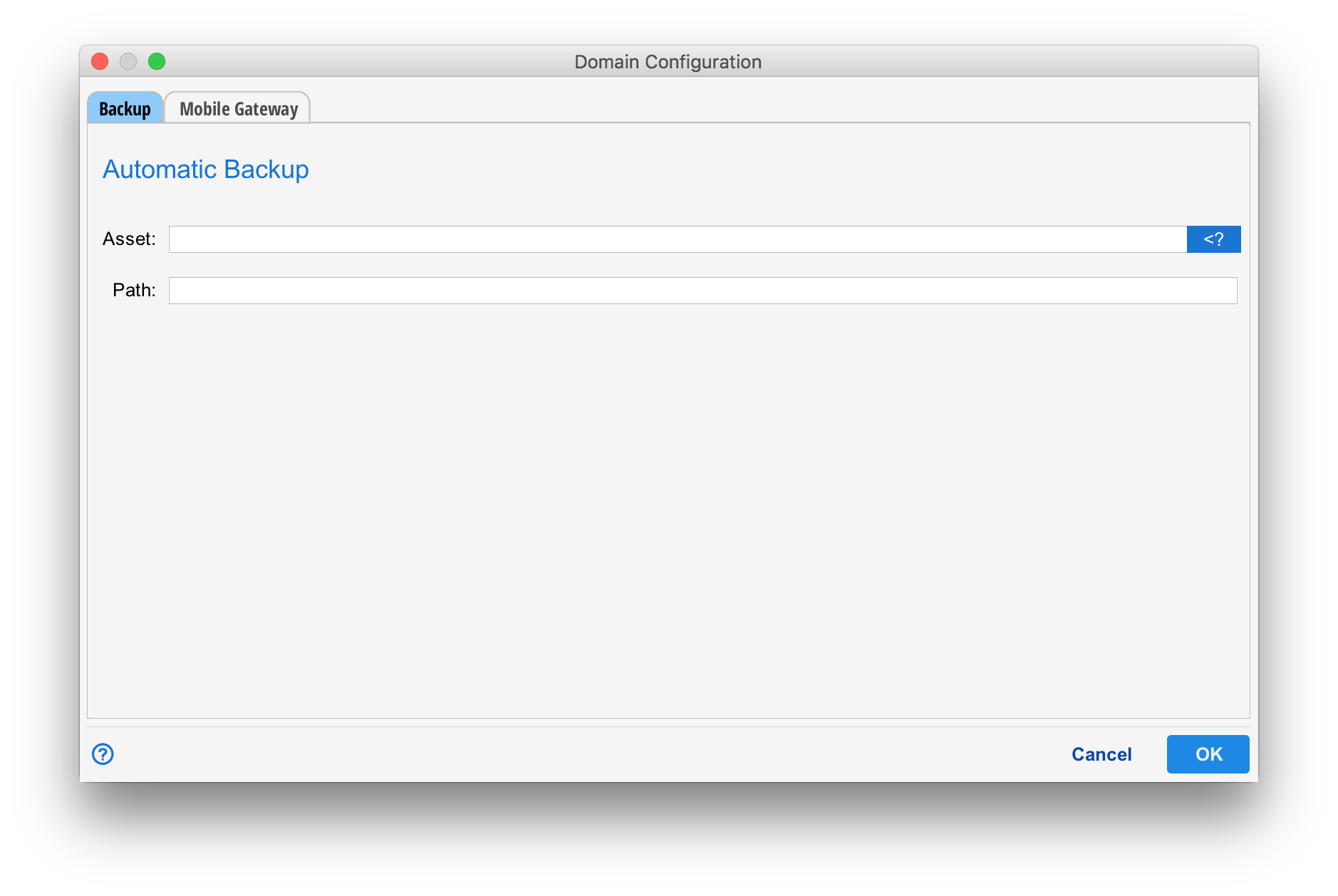
For more information about how to set up a failover server, see Failover.
Mobile Gateway
Some Situate tasks, such as the interact task, can send email with embedded links that point back to the Situate domain. For those links to properly resolve, a hostname and port need to be configured.
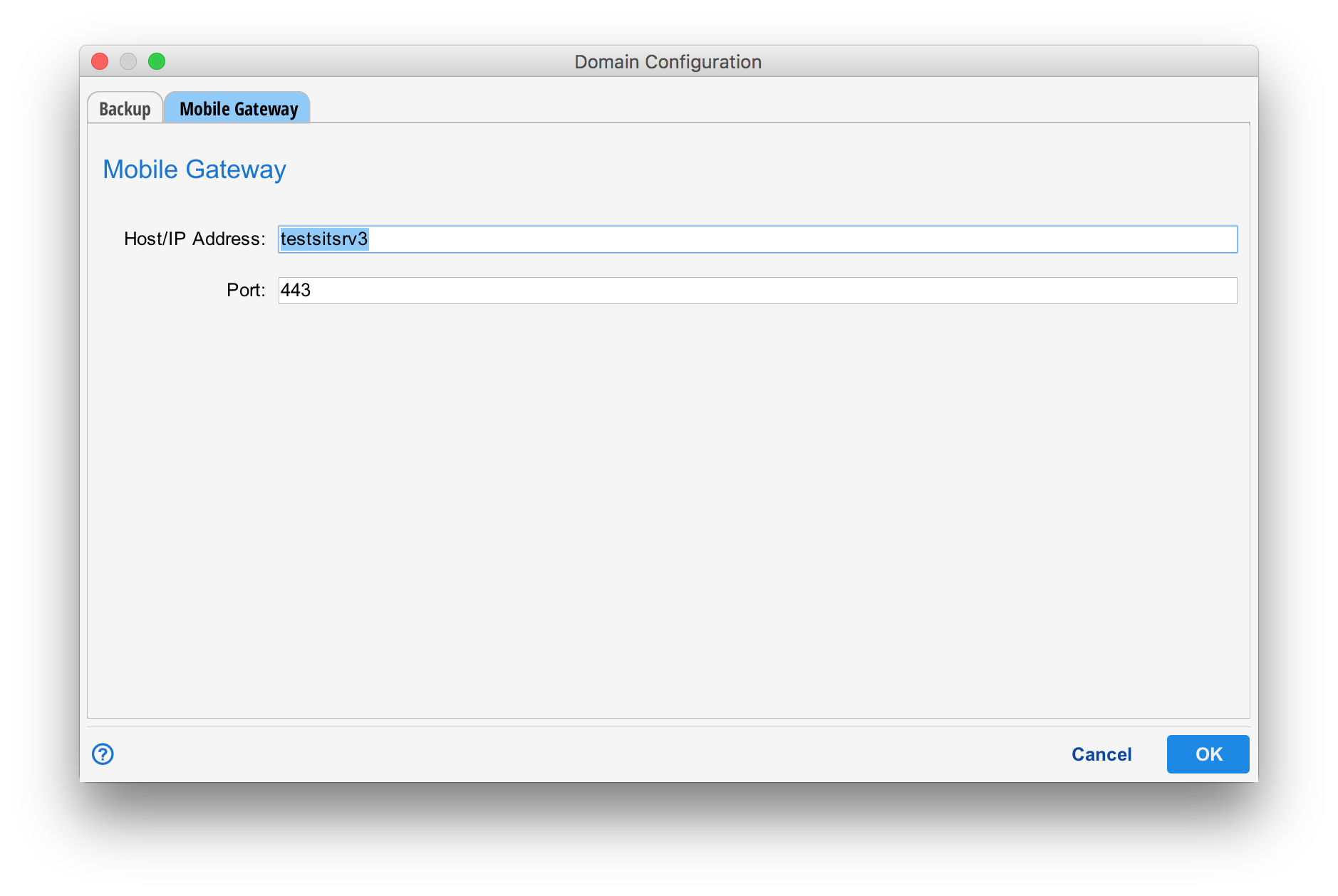
For interactive functionality outside of the corporation's internal network, the Situate server host needs to be accessable via an external IP address.
For information on synchronizing with a web gateway, see Installing a Web Gateway.